

言語設定を変更したい
目次
①Google Chromeをタブレットにダウンロード
Install Google Chrome into your device.
②ストアマネージャーのURLをGoogle Chromeで開く
Open storemanager on Google Chrome.
③「Translate」をタップ
Click Translete button.
※ボタンが出てこない場合は左上の翻訳マークをタップ
If the Translate button don’t show up, click the google translate on upper left of the screen.
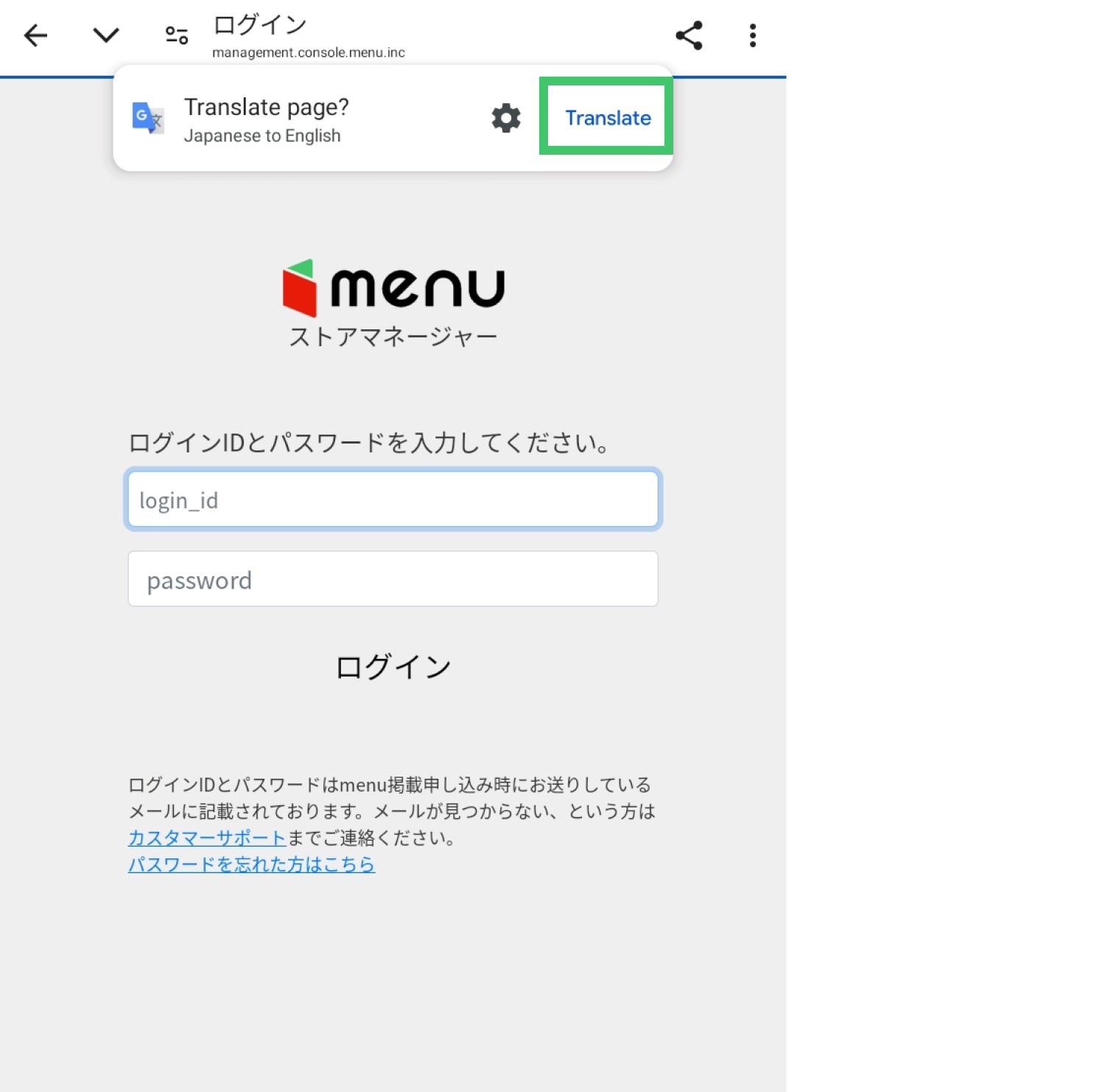
④英語ページの設定が完了
Complete the language setting.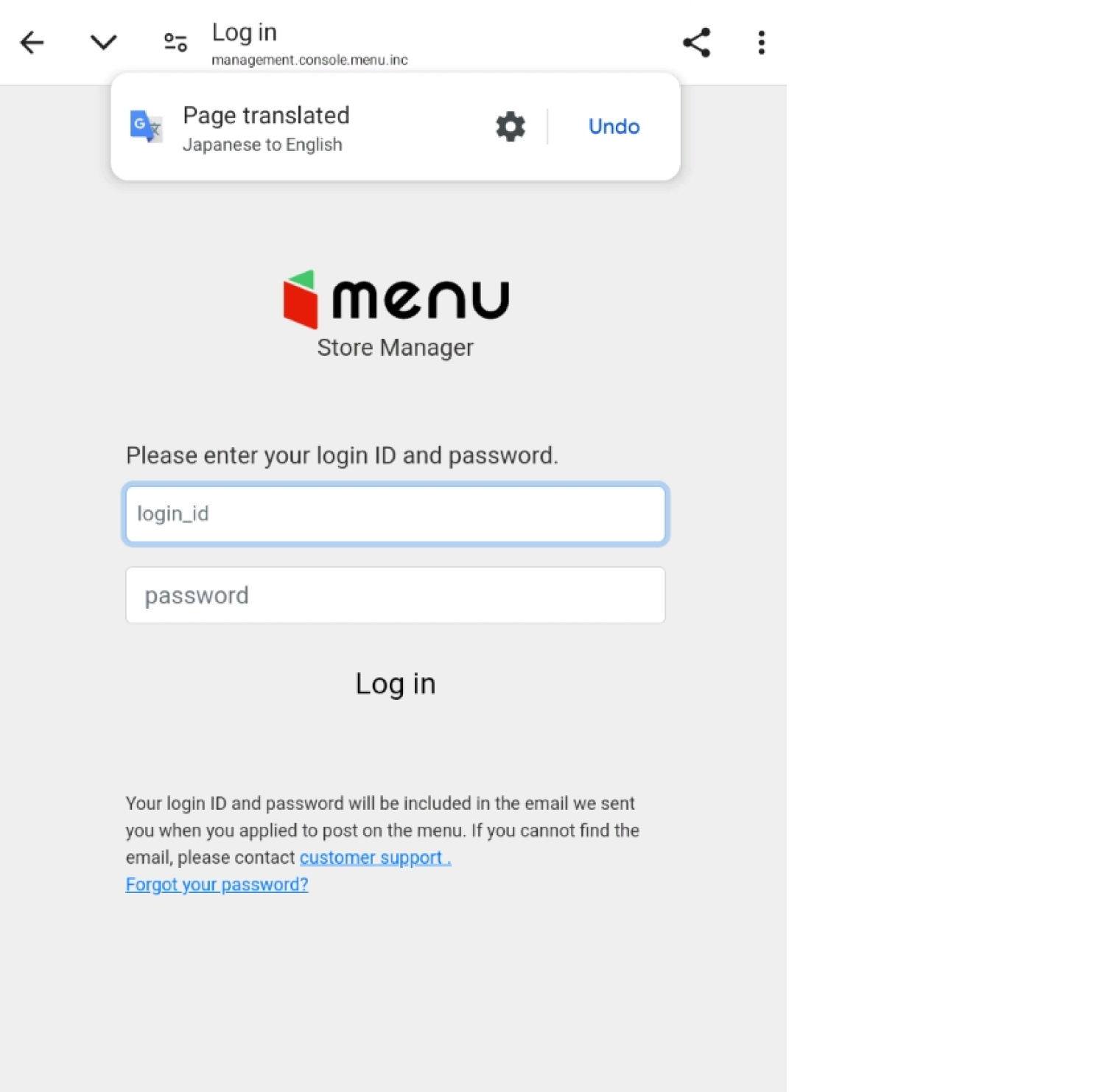
※注意点
・初めに利用したい端末の言語設定を英語にしてください。端末の言語設定が日本語のままだと翻訳はされません。
Please make sure that the original language setting of your device is set up by the language which you would like to translate.
・この機能はGoogle翻訳機能を利用しているため、SafariやInternet Explorerでは使用出来ません。
This function uses Google Translate, so it cannot be used with Safari or Internet Explorer.